Turn paper into searchable PDFs in seconds. Your documents stay on your phone: no account, no ads, no tracking. Back up only if you choose, and it is encrypted.
RENTAL AGREEMENTParty A: Nguyễn Văn AnParty B: Trần Thị BìnhAddress: 45 Lê Lợi, District 1Rent: 8,000,000 VND / monthPAYMENT TERMS
SingleBatch
dien thoai→điện thoại
PDF · 3 pages
On this device
On-device OCR
No account
No ads
No tracking
Works offline
EN · VI · 中文 · 日本語
Everything to take paper digital
One app to scan, search and finish PDFs, without sending a single page anywhere by default.
Smart scan with page detection
Point the camera and LectoScan finds the page edges with an on-device AI model, flattens it and can capture automatically. Adjust the crop, rotate, add pages, then save as images or PDF. You can also import from Photos and Files.
Encrypted full-text search
Find words inside your scans. Search ignores accents, so “dien thoai” finds “điện thoại”. The index is encrypted on your device.
On-device OCR
Text recognition for Vietnamese, English, Chinese and Japanese runs on your phone; your pages are not sent anywhere for it. For Vietnamese, tones and vowel marks that OCR usually drops are repaired automatically.
Complete PDF toolkit
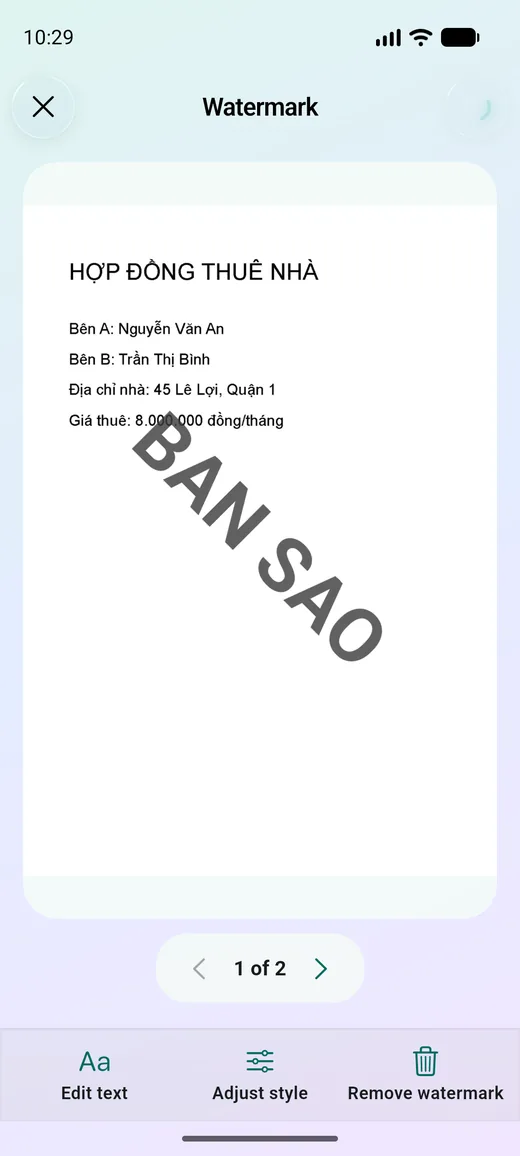
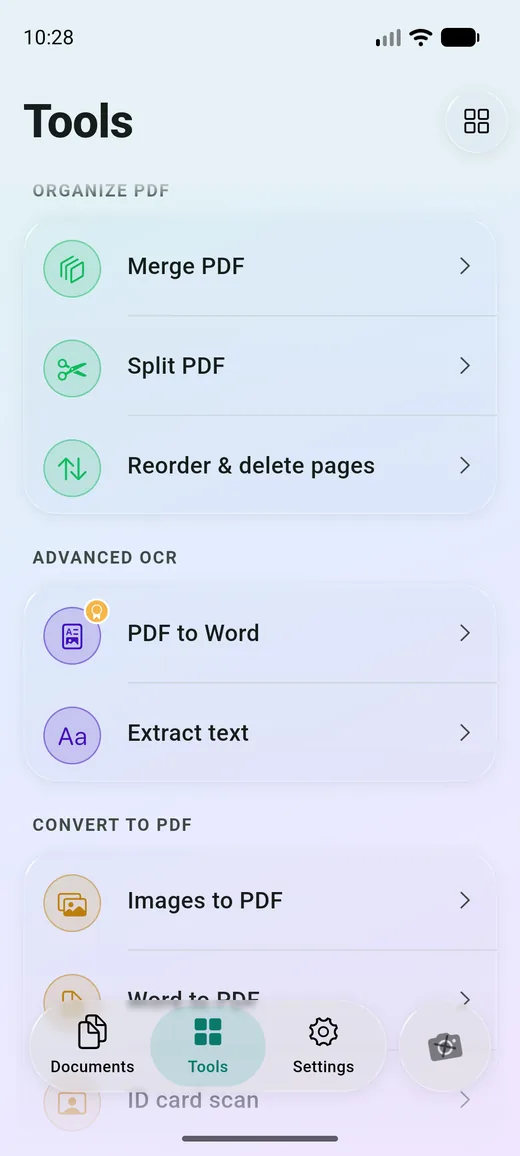
Merge, split, reorder, rotate, compress, watermark, sign, blur and lock PDFs. Page moves and edits keep text and vector content instead of flattening it to pictures.
Filters that clean up pages
Original, Magic Color, B&W, Grayscale, Sharpen and Denoise, applied live as you review.
Magic Color
B&W
Grayscale
Sharpen
Denoise
ID card and passport layouts
Scan both sides of an ID card or a passport and place them on one page, ready to print or share.
Word and PDF, both ways
Convert Word (.docx) to PDF and PDF to Word. Layout of the original is simplified in Word.
Passcode and biometric lock
Lock the app with a passcode or Face ID / fingerprint, and protect individual PDFs with a password.
Import from the share sheet
Send images and PDFs to LectoScan straight from other apps with the system share menu.
English, Vietnamese, Chinese, Japanese
The app speaks English, Vietnamese, Japanese and Simplified Chinese. OCR reads all of those scripts.
English
Tiếng Việt
中文
日本語
Find the words inside every page
Type what you remember. LectoScan searches document names and the text read from your scans, and ignores accents, so you never need to type Vietnamese diacritics correctly.
Type dien thoai and still find điện thoại
Results are grouped by document with a snippet around the match
Jump straight to the matching page (Premium)
dien thoai
October invoice…bought a new điện thoại at the store…
Warranty card…the điện thoại is covered for 12 months…
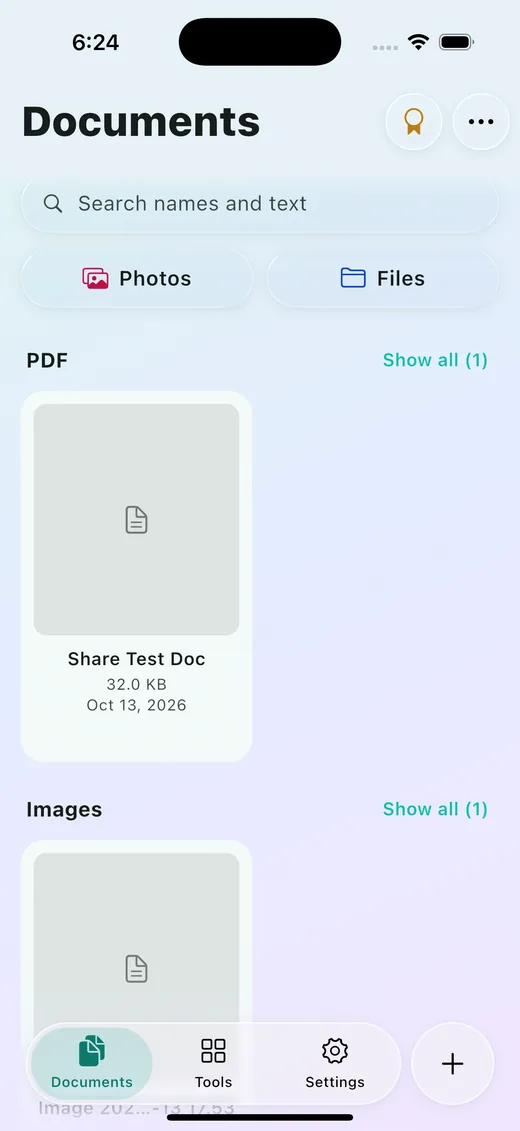
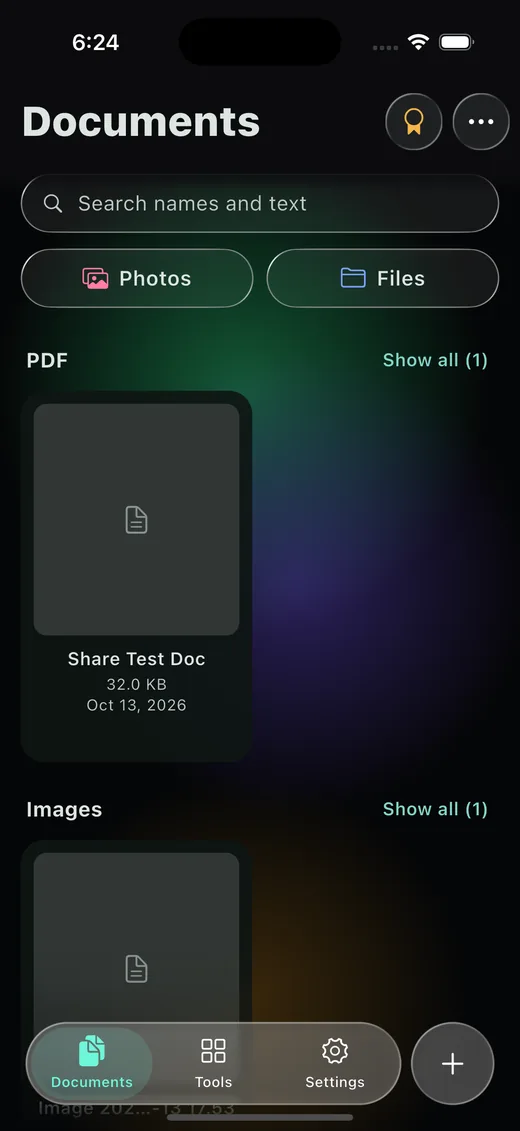
A calm, glassy app
Translucent controls, content you can read. The app follows your light or dark theme.
Library
Watermark
Dark mode
PDF tools
Private by design
LectoScan is built to keep your documents yours. They stay on your phone unless you choose an encrypted backup that only you can open.
Stays on your device
Scans, text and the search index are stored locally, and scanning, OCR and search work in airplane mode. Nothing is uploaded unless you turn on encrypted backup.
Encrypted and lockable
The library database is encrypted, and each document's recognised text is sealed with its own key. Add a passcode or biometrics, and passwords on individual PDFs.
Optional encrypted backup
Premium can back up to your own iCloud or Google Drive. Your library is encrypted on your phone first, and only your password or recovery code opens it. We never see it.
No account, no ads, no tracking
No sign-up, no advertising, no tracking. The only diagnostics come from Google's on-device text recognition and are not linked to you. This website sets no cookies either.
Tap + and point at the page. Edges are found and flattened for you.
2
Clean up
Pick a filter, adjust the crop, add more pages and save as PDF or images.
3
Find it
Search by name or by any word inside the page, any time, offline.
PREMIUM
Premium, when you want more
Scanning and the core tools are free. Premium unlocks the heavy lifters:
See prices in the App Store or Google Play. Subscriptions renew until you cancel, and you can cancel any time in your store account.
OCR and search inside documents
Jump to the match on the page
Unlimited PDF merge
Unlimited images to PDF
PDF passwords (lock and unlock)
Unlimited blur
PDF to Word
Encrypted backup (iCloud or Google Drive)
Free to start
Quick answers
Are my documents uploaded anywhere?
Not by default. Scanning, OCR, search and PDF tools all run on your phone, and LectoScan has no accounts, so we never receive your pages. Text recognition runs on the device too, so your images and text are not sent to Google. If you turn on the optional encrypted backup, an encrypted copy goes to your own iCloud or Google Drive, and only you can decrypt it. The privacy policy lists everything that uses the network.
Does it work offline?
Yes. Scanning, OCR, search and the PDF tools work without a connection. Buying or restoring Premium, and backing up or restoring a backup, need the internet.
Which languages can it read?
Vietnamese, English, Chinese and Japanese. The app itself is available in Vietnamese, English, Japanese and Simplified Chinese.
Do I need to type accents when searching?
No. Typing “dien thoai” finds “điện thoại”. Accents are ignored on both sides, and if there is no exact match the last word is matched as a prefix.
What is free and what is Premium?
Scan, organise and use the basic tools for free. Premium adds OCR and search inside documents, jumping to the match, unlimited merge, unlimited images to PDF, PDF passwords, unlimited blur, PDF to Word and encrypted backup. See prices in the App Store or Google Play.
Can I back up my documents?
Yes, with Premium. Backup is optional and off by default. Turn it on in Settings > Backup and choose iCloud (iPhone) or Google Drive (iPhone and Android). Your library is encrypted on your phone before it is uploaded. To restore you need your backup password or recovery code, and we cannot recover either for you. On iPhone you can also let your other devices restore through iCloud Keychain.
What if I lose my phone or delete the app?
Without a backup, documents live only on your phone, so deleting the app deletes them. Export or share the files you want to keep, or turn on encrypted backup and restore on your new phone with your backup password or recovery code. Use the app passcode to protect what is on your device.